Service Process
Business service process description
1. Registered account number
Overseas customers use email to register as members at independent stations and purchase corresponding medical examination packages.
2. Place an order for payment
Confirm the package information, fill in the notification email account number, delivery address (used to receive reservation information and physical examination instructions), and fill in the contact person WhatsApp account number in the remarks column of the order to facilitate contact.
3. Payment
Place an order online and submit payment, and choose the corresponding payment method, such as PayPal and credit card.
4. Order confirmation and reservation service
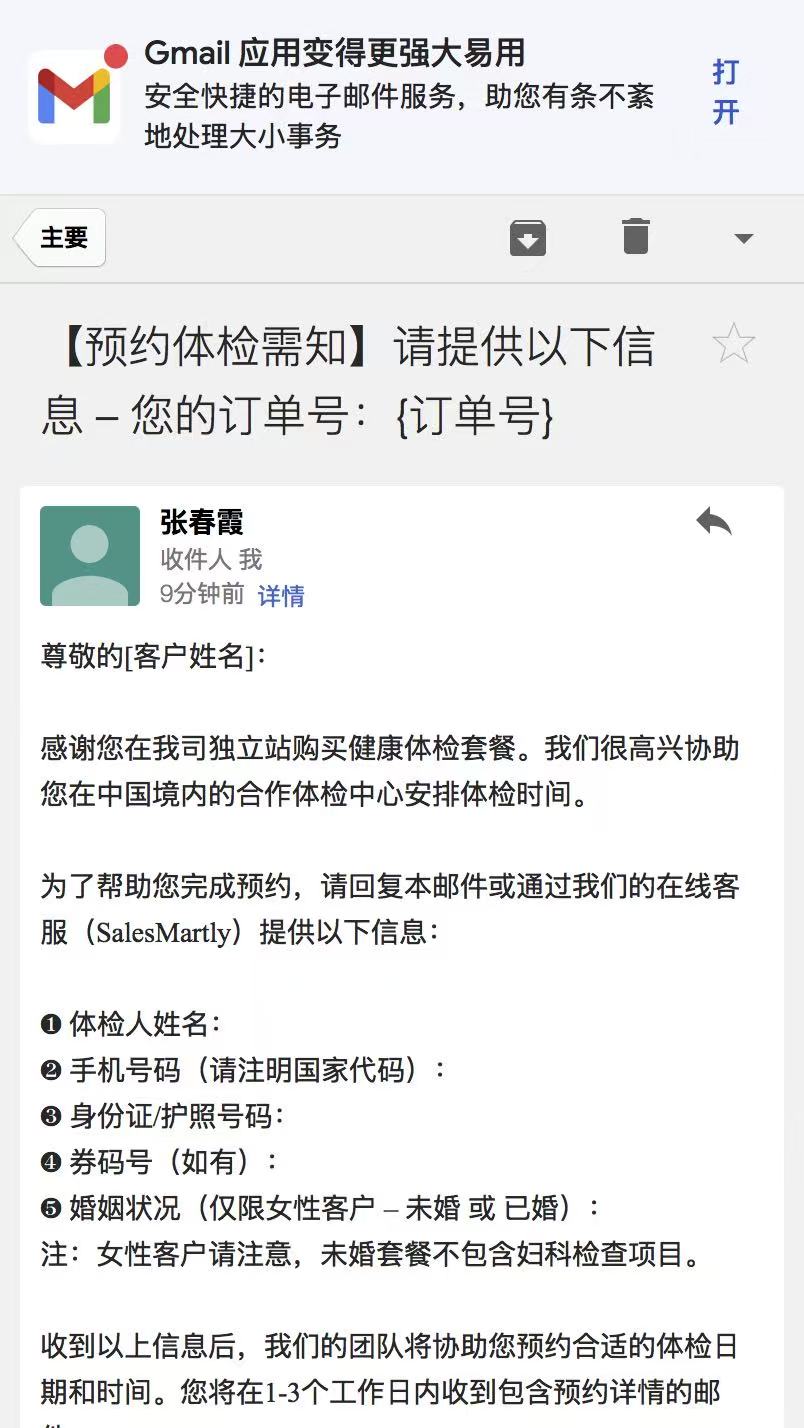
After the customer service receives the paid order in the background, it actively contacts the customer by email or online customer service tool (SalesMartly) to confirm the physical examination information and make an appointment for the expected arrival time.
5. To the store for verification and physical examination
Customers go to the physical examination center according to the appointment time, check with passport or identification information, and enjoy the physical examination service.
6. Service completion
After the physical examination, the customer service will send the electronic physical examination report to the customer's mailbox.